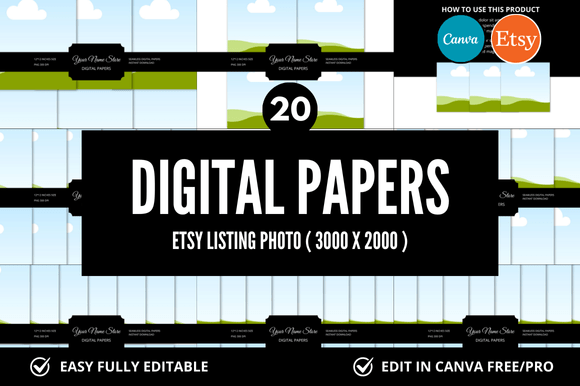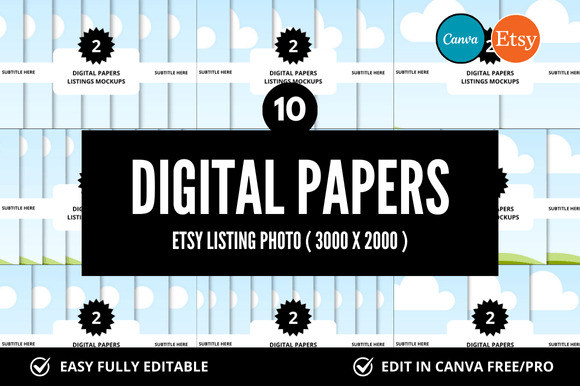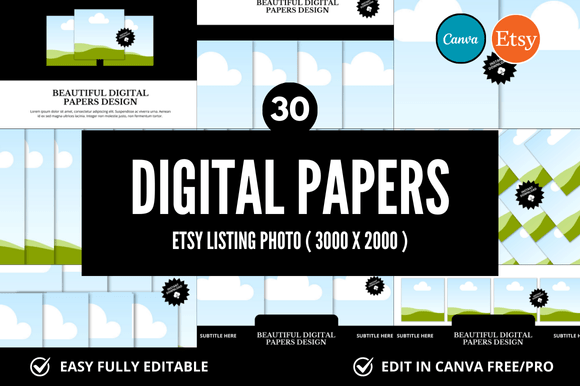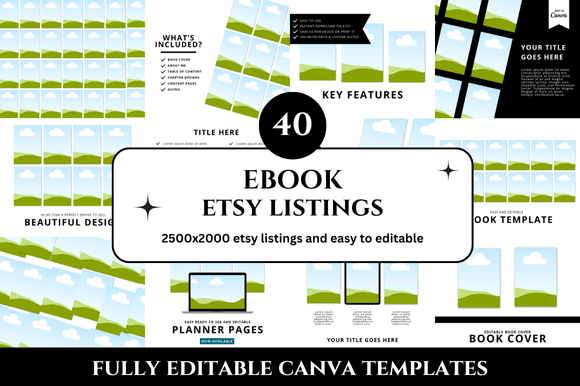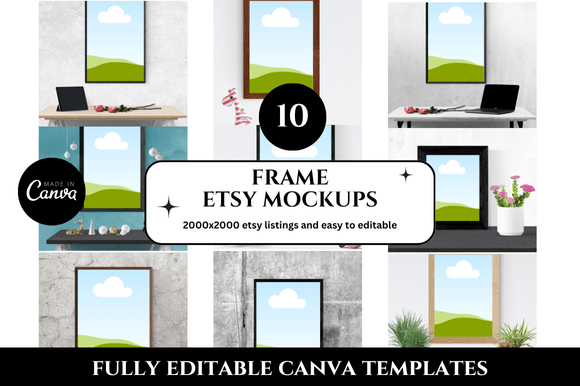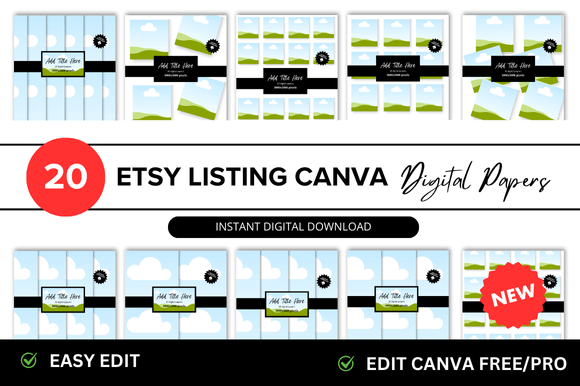
Digital Paper Etsy Listings Mockup
When you sell digital paper on Etsy, the product itself is invisible until downloaded. Buyers see a thumbnail, a title, and a few photos. That is where a Digital Paper Etsy Listings Mockup becomes a practical tool. It transforms a flat design file into a visual preview that shows exactly what the paper looks like when printed, folded, or used in a project. Instead of guessing how patterns coordinate or whether the texture reads well on screen, a mockup gives both seller and buyer a shared visual reference. This small addition to your listing can change how customers perceive your work and how quickly they decide to purchase.
Why a mockup matters more than a product photo
A standard product image shows the digital file as a flat swatch. That works, but it leaves the buyer to imagine the finished result. A Digital Paper Etsy Listings Mockup places the design in a real-world context — wrapped around a gift box, layered in a scrapbook layout, or shown as a party decoration. This context helps the customer see the scale, repeat pattern, and color balance in a way that a flat swatch cannot convey. For the seller, this means fewer questions about dimensions or print quality. More importantly, it reduces the mental effort required from the buyer, making the listing feel more complete and trustworthy.
Consider a customer planning a wedding invitation suite. They are browsing dozens of digital paper options. A listing that shows the paper arranged as an actual invitation, envelope, and liner gives them immediate confidence. They can visualize the final result without having to open Photoshop or imagine proportions. That clarity often leads to faster decisions and fewer abandoned carts.
How it saves time for creators and sellers
Creating individual mockups for every listing might sound time-consuming, but the opposite is true once you establish a repeatable workflow. A single Digital Paper Etsy Listings Mockup template can be reused across multiple paper designs. You swap the pattern layer, adjust the color if needed, and export. This process takes minutes per listing, compared to staging physical photos or creating custom graphics from scratch. Over a catalog of fifty or more listings, the time savings become significant.
Beyond the initial creation, mockups also reduce the time spent answering customer questions. When a listing visually demonstrates how the paper performs in a folded state or at a specific scale, buyers are less likely to ask about print size, pattern repetition, or suitability for their project. The image answers those questions before they are asked. For sellers managing multiple shops or balancing a side business with a full-time job, this efficiency matters.
Practical workflow for repeatable mockups
If you are new to using a Digital Paper Etsy Listings Mockup, start with one versatile template. A flat lay composition that includes a piece of folded paper, a small envelope, and a scissors works well for most digital paper listings. Save this as a layered file in your editing software. Each time you create a new paper pattern, open the template, replace the pattern layer, and export the final image. Over time, you can build a small library of mockup templates for different product categories — scrapbook kits, printable wall art, or party decor collections.
Strengthening buyer confidence through realistic previews
Etsy shoppers often hesitate before buying digital items because they cannot touch or test the product. A Digital Paper Etsy Listings Mockup addresses this hesitation by simulating the tactile experience. When a buyer sees a pattern displayed as a wrapped package or a folded card, they get a sense of the paper’s weight, finish, and how the pattern aligns at the edges. This visual information builds trust.
For example, a floral digital paper might look lovely as a swatch, but a mockup showing it as a gift bag reveals how the flowers repeat along the seam. A geometric pattern displayed as a notebook cover shows the alignment at the spine. These details matter to customers who plan to use the paper for physical projects like scrapbooking, card making, or home decor. The mockup shows that the designer has considered real-world use, not just digital aesthetics.
Supporting creativity for designers and hobbyists
Mockups are not only for selling. If you are a creator or hobbyist who shares digital paper designs online, a Digital Paper Etsy Listings Mockup can serve as a creative tool. It helps you evaluate your own work in progress. By placing a new pattern into a mockup, you see how it behaves in a three-dimensional context. Does the pattern overwhelm the object? Does the color look different when wrapped around a curve? These observations can guide refinements before you finalize the design.
Educators and bloggers who teach digital design or paper crafts can also use mockups in tutorials. Showing a finished project alongside the digital paper file makes the learning process more concrete. Students see the connection between the digital asset and the physical outcome, which reinforces the value of good design choices.
Improving communication between sellers and buyers
In an online marketplace, words and images must do all the work of in-person shopping. A Digital Paper Etsy Listings Mockup acts as a visual translator. It communicates scale, application, and pairing possibilities without relying on lengthy descriptions. When you include multiple mockups in a single listing — one showing the paper as a greeting card, another as a gift wrap, and a third as a digital background — you cover different use cases in one glance.
This approach is especially helpful for entrepreneurs and small business owners who sell to a broad audience. A stationery shop owner might use the same digital paper for wedding invitations, baby shower decorations, and thank you cards. Showing the paper in each of these contexts within the listing helps different customer segments see how the product fits their specific need. The mockup does the work of segmenting the value visually.
When mockups can mislead
Honest presentation matters. Overly styled mockups can sometimes exaggerate the paper’s texture or color saturation. If a mockup uses heavy shadows or unrealistic lighting, the actual printed result may disappoint. Keep mockup styling clean and representative. The goal is to help the buyer, not to create a misleading impression. Compare your mockup output with a print test occasionally to ensure consistency. This practice supports long-term trust and positive reviews.
Who benefits most from using mockups
While any digital paper seller can benefit, certain groups gain more from incorporating a Digital Paper Etsy Listings Mockup into their workflow. New sellers who are building a brand from scratch need to establish credibility quickly. A professional-looking mockup can make a small shop appear established and detail-oriented. Experienced sellers with large catalogs benefit from the time savings and consistency across listings.
Freelancers and graphic designers who license digital paper patterns to other businesses also find mockups useful. When presenting a collection to a client, a mockup provides a polished visual pitch that goes beyond pattern swatches. Marketers and bloggers who feature digital paper in roundups or reviews appreciate listings that include mockups because they make shared content more engaging.
On the hobbyist side, scrapbookers and paper crafters who buy digital paper often use mockups to plan their projects. A mockup showing the paper in a layout helps them decide if the pattern suits their intended theme before they purchase. This reduces the risk of buying a paper that looks great as a swatch but feels wrong in context.
Making mockups part of a consistent listing strategy
Adding a mockup to your Etsy listing is not a one-time fix. It works best as part of a cohesive listing approach. Consider using your first image as a clean mockup that shows the paper in a common use case. Follow with a flat swatch image for color accuracy, then a detail shot of the pattern texture. This sequence gives the buyer both context and precision.
A Digital Paper Etsy Listings Mockup also works well in social media promotion. A single mockup image can be posted on Instagram or Pinterest with a direct link to the listing. Because the image already shows the product in use, it performs better in visual discovery searches. This integration between your Etsy shop and your promotion channels creates a seamless experience for potential customers.
Limitations to keep in mind
Mockups are not a replacement for clear written descriptions. Always include dimensions, file format, resolution, and usage terms in your listing text. Some buyers rely on search keywords and text details to find your product. A mockup is a visual aid, not a substitute for complete information. Also, if your digital paper is intended for digital use — such as digital scrapbooking or screen backgrounds — consider whether a physical mockup accurately represents the product. In those cases, a screen-based mockup showing the paper as a digital background may be more appropriate.
Final observations
A Digital Paper Etsy Listings Mockup is a practical addition to any digital paper shop, but its real value lies in how thoughtfully you apply it. Choose mockup styles that match your product’s most common uses. Keep the presentation honest and consistent. Use it to save time, reduce customer uncertainty, and showcase your work in a context that feels real. When used well, a mockup does more than decorate a listing — it helps your customer imagine the finished project and feel confident about their purchase. That confidence is what turns a browser into a buyer.