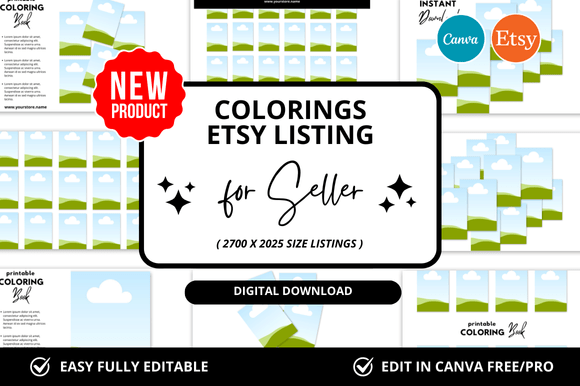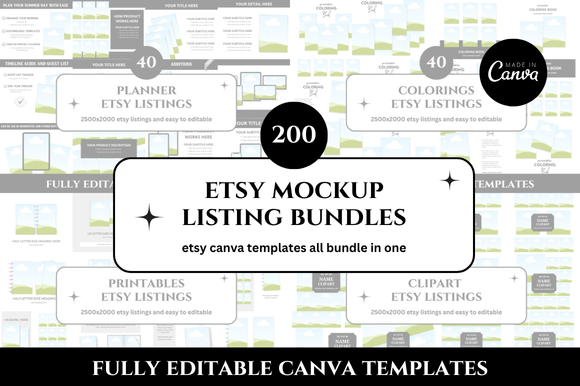
200 Etsy Listings Mockup Canva Bundle: A Practical Tool for Streamlined Product Presentation
For anyone selling digital or physical products on Etsy, the way a listing looks can determine whether a browser stops scrolling or keeps moving. A strong visual presentation is no longer optional — it is a basic requirement for competing in a marketplace where buyers make quick judgments based on thumbnails alone. The 200 Etsy Listings Mockup Canva Bundle is a resource designed to address this need directly. Instead of building each mockup from scratch or hiring a designer for every new product, this bundle provides a large collection of pre-made templates that can be adapted inside Canva. At first glance, the value proposition is straightforward: save time and maintain a consistent visual identity across multiple listings. But the real question is whether the bundle delivers on that promise in a way that justifies its place in a seller’s workflow.
This article evaluates the bundle from a practical standpoint, looking at its structure, usability, flexibility, and the types of sellers who will benefit most. It also considers limitations and offers realistic recommendations for integrating this tool into a consistent listing strategy.
What the 200 Etsy Listings Mockup Canva Bundle Actually Contains
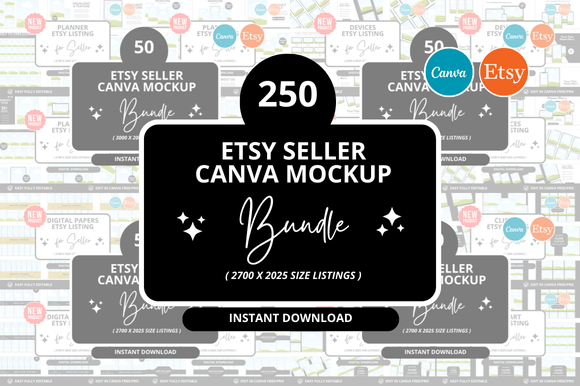
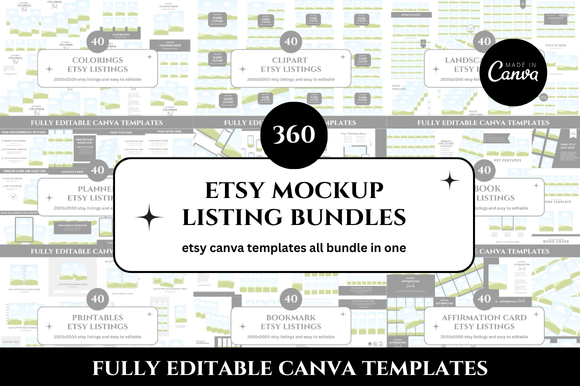
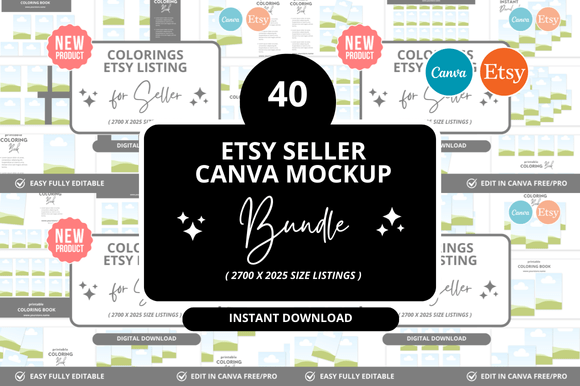
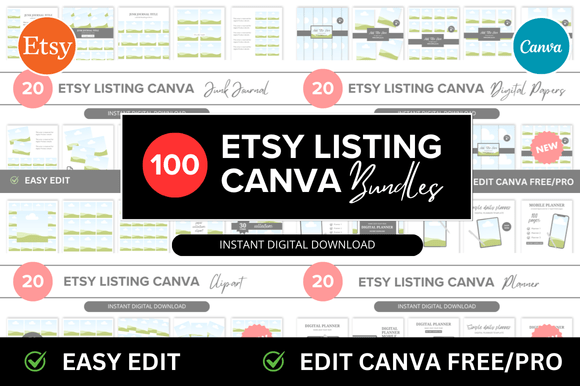
The bundle includes 200 distinct mockup templates built for use within Canva, the widely accessible graphic design platform. Each template is designed to represent a product in a realistic setting — think a digital planner displayed on a tablet, a printable art print framed on a wall, or a sticker sheet shown in a flat lay arrangement. The mockups cover a range of common Etsy categories, including printables, digital downloads, home decor, stationery, and educational materials.
Rather than being a single style applied across all templates, the bundle offers variety in composition, lighting, and props. Some mockups use minimal, clean backgrounds, while others incorporate lifestyle elements such as desks, plants, or hands holding devices. This range allows sellers to choose a presentation style that matches their brand voice, whether that leans toward minimalist, warm, or professional.
Because the templates are built in Canva, users can edit text, change colors, replace images, and adjust layout elements without needing advanced design skills. The mockups are essentially layered files with placeholders for product images, which makes it easy to drop in a new design and export a listing image in minutes.
Time Efficiency Across Multiple Product Launches
The most obvious strength of the 200 Etsy Listings Mockup Canva Bundle is the speed it introduces to the listing creation process. When a seller is preparing to launch a new product or refresh an existing shop, creating mockups individually can take hours. With a library of 200 templates, the selection and customization phase becomes much faster. The seller simply browses the collection, picks a template that fits the product type, inserts the product image, adjusts any text or colors, and exports.
For a seller who releases weekly or biweekly products, this time saving accumulates quickly. Instead of spending two to three hours per listing on mockup creation, the process can shrink to fifteen or twenty minutes once the user is familiar with the templates. Over the course of a year, that represents dozens of hours redirected toward product development, marketing, or customer service.
Consistent Brand Presentation
Another practical advantage is consistency across the entire shop. When a buyer clicks through several listings, having a uniform visual style builds trust and reinforces professionalism. The bundle makes it easier to maintain that consistency because all templates share a similar level of polish and design sensibility. Even when switching between different mockup styles — from a desk flat lay to a wall display — the overall coherence remains high. This is harder to achieve when sourcing mockups from multiple free resources or creating them individually.
No Design Experience Required
Because the templates are designed for Canva, the barrier to entry is low. Sellers who have basic familiarity with Canva’s interface can immediately start customizing the mockups. There is no need to learn Photoshop, Illustrator, or other professional design tools. For beginners or sellers who prioritize simplicity, this accessibility is a real advantage.
Usability and Flexibility in Real Workflows
When evaluating a bundle of this size, flexibility is critical. A template collection that only works for one type of product or a narrow aesthetic quickly loses value. The 200 Etsy Listings Mockup Canva Bundle performs reasonably well in this area because of the variety in subject matter and composition. A seller of digital planners can find mockups with tablets and notebooks, while a seller of wall art can find framed or gallery-style displays. Stationery sellers have options with open notebooks, pens, and flat lay arrangements.
That said, not every template will suit every shop. A seller who focuses exclusively on kids’ educational printables may find that many templates lean toward a neutral or adult-oriented aesthetic. In those cases, the user may need to modify colors or replace props to better fit their audience. The bundle does allow for that customization, but it requires a bit more effort than simply dropping in an image.
The editing process within Canva is straightforward. Each template includes clearly labeled layers for the product area, background, and additional elements. Users who are comfortable with Canva’s layering and group features will have an easier time making more significant adjustments. For those who are newer to the platform, the included documentation or tutorial links (if provided) can help, but it is worth noting that the learning curve depends on the user’s existing familiarity with Canva.
Quality and Presentation Standards
Mockup quality can be subjective, but there are some objective benchmarks to consider. Resolution, lighting realism, shadow accuracy, and overall composition all contribute to how convincing a mockup looks. In this bundle, the majority of templates use well-lit, pleasing compositions with realistic shadows and reflections. The mockups avoid the overly artificial look that can occur when lighting is too flat or when object placement feels generic.
The resolution is generally sufficient for Etsy listing images, which typically display at around 1000 to 2000 pixels on the longest side. Exporting from Canva at the appropriate resolution yields clear images that hold up well on both desktop and mobile screens. For a seller who needs mockups for social media or advertising in addition to Etsy listings, the same templates can be resized or adapted for those channels as well.
One note on consistency: because the bundle includes 200 templates created by a single designer or team, the visual style remains cohesive. This is a strength, but it also means that a seller looking for an extremely specific aesthetic — such as dark and moody photography or highly stylized vintage themes — may need to supplement the bundle with custom mockups or additional resources.
Who Benefits Most from This Bundle
Not every seller needs 200 mockups. The bundle is best suited for sellers who have multiple product lines or who plan to grow their shop over time. A seller with a single product or a very small niche might only need five or ten mockups, and a smaller collection might be more practical.
However, for the following groups, the 200 Etsy Listings Mockup Canva Bundle offers strong practical value:
- Digital product sellers who regularly launch new planners, journals, printables, or templates and need fresh mockups for each release.
- Print-on-demand sellers who want to show products in realistic contexts without photographing physical items.
- Shop owners scaling from a hobby to a business and who want to professionalize their listing images quickly.
- Freelancers and virtual assistants who manage multiple Etsy shops and need a reliable, repeatable system for creating listing images.
- Small business owners selling physical handmade goods such as stationery, home decor, or gifts who want to maintain a polished online presence without a photography studio.
The bundle also works well for sellers who value efficiency and want to reduce the friction of listing creation. When a new product idea is ready, having a library of pre-tested mockup styles means the seller can move from concept to published listing faster.
Practical Recommendations for Getting the Most Value
To make the bundle work effectively over the long term, a few strategies can help:
- Select a core set of templates that match your product type and brand style. Using the same ten to fifteen mockups consistently across listings creates a cohesive shop appearance.
- Customize colors and fonts to align with your brand identity rather than using the template defaults. This small step makes the mockups feel like your own.
- Save edited templates as Canva templates once they are customized. This way, for each new product, you can start from a pre-branded file instead of redoing adjustments.
- Use mockups beyond Etsy listing images — the same templates can be repurposed for social media posts, Pinterest pins, and product announcements, extending the bundle’s value further.
- Keep product images high quality and properly sized before inserting them into mockups. The final output is only as strong as the product shot you place inside the template.
Possible Limitations and Honest Considerations
No resource is perfect, and this bundle has limitations worth acknowledging. First, the templates are only editable in Canva. Sellers who prefer to work in other design software will not be able to directly use the files without converting or recreating them. Second, while the variety is broad, some niche product categories may not have a perfect match. A seller of 3D printed items or specialty craft supplies, for example, may need to adapt templates or create custom mockups for certain products.
Additionally, because the bundle is sold as a digital product itself, the market for mockup bundles is competitive. Sellers should evaluate whether the style of these templates aligns with their brand before purchasing. Browsing sample images or previews before committing is always recommended.
Another consideration is that using a widely available bundle means other sellers may use the same templates. While this is not necessarily a problem — customization and brand elements differentiate the final listing — it is something to keep in mind. Adding unique color treatments, overlays, or text layouts can help a shop stand out even when using a common starting point.
Long-Term Value and Final Assessment
The 200 Etsy Listings Mockup Canva Bundle is not a magic solution that guarantees sales, but it is a well-structured tool for reducing the time and effort required to produce professional-looking listing images. For sellers who are actively growing their shops and listing new products regularly, the bundle can become a reliable part of the workflow. The combination of quantity, Canva compatibility, and cohesive design makes it a practical choice for those who value efficiency and consistency.
Where the bundle truly excels is in its ability to remove a common bottleneck in the listing process. Instead of debating how to present a new product or spending hours building a mockup from scratch, the seller can choose from a tested collection and customize in minutes. That efficiency has real value for anyone who treats their Etsy shop as a serious business.
If your shop involves multiple product types, regular new releases, or a need for polished visuals without a steep design learning curve, this bundle is worth considering. It delivers on the core promise of saving time while maintaining a solid standard of presentation. Like any tool, its effectiveness depends on how well it fits into your existing processes. But for the right seller, it can be a practical investment that pays back in hours saved and listings improved.