40 Colorings Etsy Listings Mockup: A Practical Blueprint for Streamlining Your Shop Presentation
When you run an Etsy shop built around coloring pages, books, or digital printables, the quality of your listings directly determines whether a browser becomes a buyer. Yet many sellers spend disproportionate time wrestling with mockup creation, often ending up with inconsistent visuals that undermine their brand. The 40 Colorings Etsy Listings Mockup offers a structured alternative. Instead of starting from scratch each time, you adopt a prepared system that fits into a repeatable workflow. This article walks through what this mockup set actually is, how it integrates into real shop processes, and how you can use it to maintain consistency while freeing time for higher-value work.
What the 40 Colorings Etsy Listings Mockup Set Actually Contains
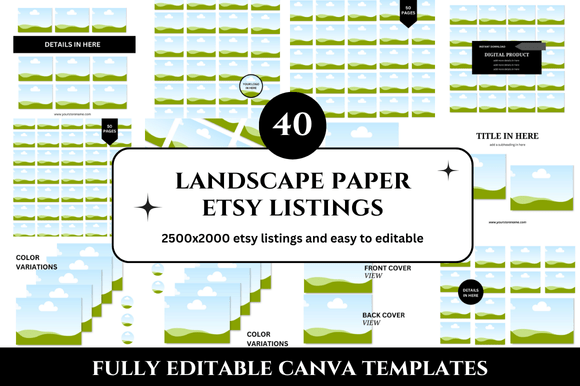
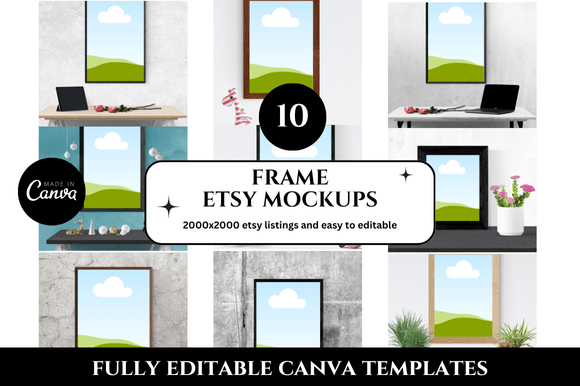
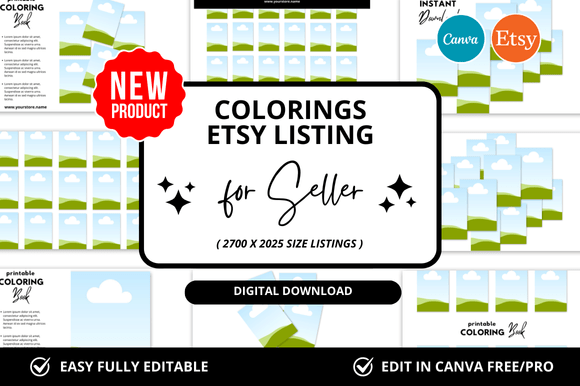
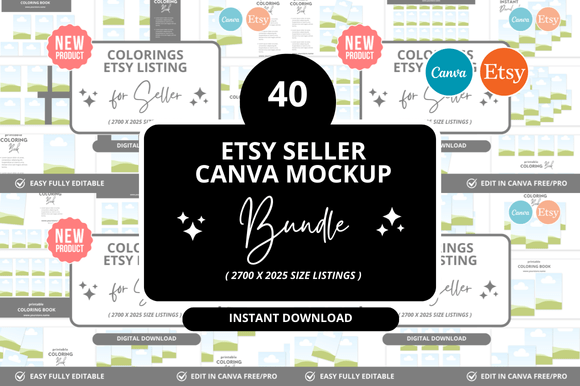
At its core, this mockup set provides forty pre-designed scene templates tailored specifically for coloring product listings. Each mockup places your coloring page design into a context that helps potential buyers visualize the finished product. These are not generic device screens or flat product shots. Instead, they show colored examples on tables, desks, or creative workspaces, often including colored pencils, markers, or other tools that reinforce the coloring experience. The set covers multiple angles, orientations, and settings so you can vary your listings without designing every asset from zero.
This matters because Etsy rewards shops that present cohesive, professional listings. When every mockup shares lighting, color tones, and composition style, your shop gains a unified visual identity. The 40 Colorings Etsy Listings Mockup gives you that consistency out of the box.
Where This Fits in Your Broader Workflow
Understanding where a tool belongs in your process is more important than knowing every feature. This mockup set sits squarely in the listing preparation and optimization phase of your Etsy workflow. If you map out your typical cycle—design creation, file formatting, listing copywriting, photography or mockup selection, and publishing—the mockups slot in after you have finalized your coloring page design and before you write your listing description.
Consider a typical week for a coloring book seller. You design a new page, export it as a high-resolution PDF or JPEG, and then need to create at least four to eight listing images. Without a mockup system, you might spend hours staging, photographing, or compositing scenes. With the 40 Colorings Etsy Listings Mockup, you open the relevant template, drop your design into the placeholder layer, adjust the color if needed, and export. That process can take under five minutes per listing image.
This efficiency gain is not trivial. When you have forty listings to refresh or a batch of new products to launch, the time saved compounds directly into faster turnaround and more consistent quality.
Before You Start Designing
One overlooked use of these mockups is planning. Before you begin a new coloring page, you can preview how different compositions will look in a listing context. Open a few mockups from the set and test where your artwork sits within the frame. This helps you decide on orientation—landscape or portrait—and how much negative space to leave around your central design. You might discover that your intended design feels cramped in a certain layout, prompting you to adjust proportions early. This upfront check saves rework later.
During Listing Creation
This is the primary use case. You have your final coloring page PDF ready. You open the mockup file in your editing software, typically Photoshop or a similar layered editor. The mockup likely includes smart object layers labeled clearly. Double-click the smart object thumbnail, paste your design, save, and the mockup updates automatically. You can then adjust the orientation or swap to a different scene from the set without rebuilding anything.
For sellers who offer both digital and physical versions, the 40 Colorings Etsy Listings Mockup handles both well. A mockup showing a tablet with the coloring page displayed works for digital downloads, while a scene with printed paper on a table suits physical product listings. Using both types within the same listing tells buyers exactly what they are getting.
After Launch for Iteration
Once a listing is live, you can revisit the same mockup set to A/B test different visual approaches. If a listing is underperforming, swap one mockup for another from the same set—perhaps a lifestyle scene instead of a flat lay—and compare metrics. Because the mockups share a consistent style, you are testing the composition rather than introducing distracting variables. This makes performance analysis cleaner and your decisions more data-driven.
Interaction with Other Tools and Platforms
The 40 Colorings Etsy Listings Mockup works best when integrated with the rest of your toolkit. If you use design software like Adobe Photoshop, Affinity Photo, or GIMP, the layered PSD files open natively. Many mockup sets also include transparent PNG versions for sellers who prefer simpler editing workflows or use tools like Canva. Check the file format before purchase to confirm compatibility with your stack.
For copywriting and keyword research, use your usual tools—Etsy search analytics, Marmalead, or eRank—to identify what phrases buyers search for in your niche. Then match your mockup scenes to those keywords. If buyers search for "adult coloring book floral," choose mockups that emphasize the creativity and relaxation aspect, like a scene with colored pencils scattered next to a finished flower page.
Your scheduling and publishing tools also interact here. When you batch-create listings, prepare all mockups for a set of products in one session. Save the exported images to a folder, and when you write your titles and descriptions later, the visuals are ready to upload. This decoupling of visual production from copywriting reduces context switching and keeps your focus sharp.
Practical Implementation Tips
Getting the most out of this mockup set requires a few deliberate practices:
- Audit your existing listings first. Before applying the mockups, review your current shop. Identify which listings have the weakest visuals or the lowest click-through rates. Prioritize refreshing those with the new mockups. This targeted approach gives you immediate improvement in the areas that matter most.
- Create a mockup usage template. Set up a folder structure where you store your raw coloring page files, the mockup PSD, and an export folder. Name your exports consistently—for example, productname_angle1.psd—so you always know which mockup variation you used.
- Batch your mockup work. Set aside a two-hour block once a week or once a month to process all new designs through the mockup set. This batching reduces the overhead of opening and closing files repeatedly and helps you enter a flow state where decisions become faster.
- Customize, but stay within the system. The mockup set is designed for consistency, so avoid drastic color shifts or added elements that break the visual theme. Small tweaks like adjusting the paper tone or swapping a prop are fine, but if you find yourself making major changes to every template, consider whether the set aligns with your brand direction.
- Use the mockups for social proof. Beyond Etsy listings, these images work well for Pinterest pins, Instagram posts, or even as thumbnail options for video content. A single mockup can serve multiple channels, amplifying your reach without additional design time.
Quality Control and Consistency
One challenge sellers face is maintaining consistent visual quality across dozens of listings. Even small differences in lighting, shadow direction, or color temperature can make a shop look disjointed. The 40 Colorings Etsy Listings Mockup solves this by providing a unified lighting and scene setup. However, quality control still rests with you.
Before publishing any listing, do a quick visual check: does the mockup image look sharp at the size Etsy displays? Does the coloring page design integrate naturally into the scene? Are there any alignment issues where the design bleeds outside the intended area? These checks take seconds but prevent unprofessional appearances that erode buyer trust.
For long-term use, keep your mockup files organized. If you buy multiple sets over time, label them clearly by theme or season. The 40 Colorings Etsy Listings Mockup might be your core set, but you might supplement it with a holiday-specific set later. A clear naming convention prevents confusion when you are working quickly.
Adapting to Different Product Types
Coloring product sellers often offer a mix of single pages, bundled sets, full books, and themed collections. The mockup set should handle each variant effectively. For a single page, a flat lay with one featured design works well. For a book, use a mockup that shows the cover alongside a spread of interior pages. For a bundle, a scene with multiple printed sheets arranged attractively communicates the value of the package.
The 40 Colorings Etsy Listings Mockup likely includes enough variety to cover these cases, but if you find yourself short of a specific angle, you can create a custom mockup by combining elements from two templates. This is more efficient than designing from scratch, and it keeps your visual language intact.
Long-Term Benefits and Routine Integration
Over months of consistent use, the mockup set becomes a seamless part of your workflow. You stop thinking about how to present your work and start focusing on what to present. This shift is subtle but powerful. When you reduce the friction in listing creation, you are more likely to publish new products regularly, test different niches, and refine your offerings based on performance data.
Moreover, because the mockups are reusable, your upfront investment pays dividends with each new product. The fortieth listing you create will be as fast to mock up as the first, and the visual consistency across your entire shop will build buyer confidence. Shoppers scrolling through your store will see a cohesive brand, not a patchwork of experiments.
Final Observations on Process Fit
The 40 Colorings Etsy Listings Mockup is not a magic solution—it is a structured asset that rewards deliberate use. If you treat it as a one-time install and expect instant results, you will miss its full value. Instead, integrate it into your ongoing production cycle: use it early for planning, during listing creation for efficiency, and after launch for optimization. Pair it with your existing design tools, keyword research methods, and scheduling habits. By making it a fixed part of your routine, you free mental energy for the creative and strategic work that differentiates your shop from the thousands of others competing for the same buyers.
Whether you are launching your first coloring listing or scaling to a full catalog, a mockup system that saves time while raising quality is a practical investment. The 40 Colorings Etsy Listings Mockup gives you that leverage—not through complexity, but through a repeatable process that puts professional presentation within reach, every single time.